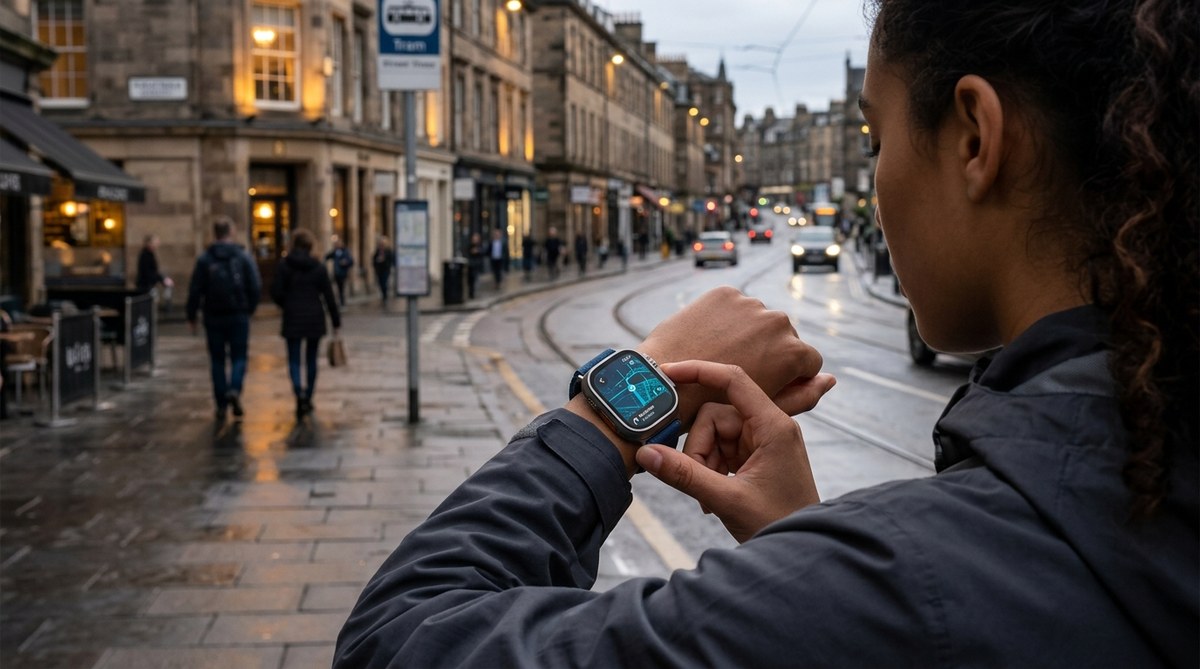
Your wrist might already be a better navigator than you think. For years, pulling out your phone to check directions while walking through a busy city was the norm. But in 2026, that move feels almost clunky. A quick glance at your wrist can tell you where to go, how far to walk, and even buzz left or right so you never miss a turn. Smartwatch map navigation has matured fast. The question is no longer “Can it work?” but “Can it fully replace your phone for urban exploring?” Let us walk through what today’s wearables can and cannot do.
Yes, a modern smartwatch can replace a phone for navigation in most city settings. Models like the Apple Watch Series 10, Garmin Fenix 8, and Google Pixel Watch 3 offer offline maps, turn-by-turn haptics, and voice guidance. For short urban trips, you can leave the phone at home. But you still need a phone for route planning, live transit updates, and backup power. It is a powerful tool, not a complete replacement yet.
Why Go Phone-Free in the City?
The biggest reason is freedom. When you navigate with a smartwatch, your hands stay free. You can carry groceries, hold a coffee, or push a stroller without juggling a phone. Your eyes stay on the street, not a screen. That makes you safer and more aware of your surroundings. In cities like New York, San Francisco, or Chicago, where sidewalks are crowded and bike lanes are everywhere, that extra awareness matters.
There is also the convenience factor. A tap on your wrist is faster than fishing a phone out of your pocket. Many smartwatches now have LTE connectivity, so they can stream maps and music without needing your phone nearby. For a quick trip to a new coffee shop or a walking tour of a neighborhood, it is a slick setup.
But how do the devices actually perform? Let us look at what the main players offer in 2026.
What Your Smartwatch Can Do for Navigation
Smartwatches today are not just simplified phone screens. They have their own mapping engines, dedicated GPS chips, and smart haptic systems. Here is a breakdown of the key capabilities:
Turn-by-Turn Haptic Guidance
Instead of showing a map, your watch can tap your wrist. A series of short taps means “turn left ahead.” Long buzzes mean “turn right.” This is a game changer for urban navigation. You never have to look at the screen. Google Maps on Wear OS and Apple Maps have refined this to near perfection. Garmin watches use a similar system called “Trendline” routing that learns your preferred paths over time.
Offline Maps and Routes
In 2026, offline maps are standard on most premium smartwatches. You can download entire city regions ahead of time. The Apple Watch stores up to 10 GB of map data. Garmin watches come with preloaded topo maps for hiking and city streets. Samsung Galaxy Watch 7 syncs offline areas from Google Maps. This means you can navigate subway tunnels, park trails, or areas with poor cellular coverage without issue.
Voice Input and Output
Asking your watch for directions is fast. You say, “Navigate to the nearest subway station” or “Take me to the Art Institute of Chicago.” The watch processes it via on-device speech recognition or your phone’s assistant. Then it speaks the directions through the watch speaker or a paired set of Bluetooth earbuds. Many users prefer earbuds for privacy, but the watch speaker is loud enough in quiet streets.
Live Transit and Traffic Updates
If your watch has LTE, it can pull live transit schedules. In cities like Washington D.C. or Boston, you can see when the next train arrives without touching your phone. Google Maps on Wear OS shows delays and even suggests alternate routes. The key is that this requires an active data connection, either through LTE or Wi-Fi.
Setting Up Navigation on Your Watch
The process is simple but varies slightly by device. Here is a numbered list of steps that works for most Wear OS and Apple Watch models:
- Open the map app on your smartwatch (Google Maps, Apple Maps, or Garmin Explore).
- Use voice search or the on-watch keyboard to type your destination. For Garmin, you can also sync a route from your phone’s Garmin Connect app.
- Select your mode of travel: walking, cycling, driving, or public transit.
- If you want offline access, download the map area in the phone companion app before you leave home.
- Start navigation. The watch will show a simple arrow and distance. Haptic taps guide you at each turn.
- Keep your wrist facing up to keep the screen on. Raise to wake works well, but you can also enable always-on display for quick glances.
That is all it takes. For most city trips, you never need to touch the phone again.
The Good and the Not-So-Good
No tool is perfect. Here is a table that compares the strengths and weaknesses of using a smartwatch for map navigation in 2026.
| Aspect | Strength | Weakness |
|---|---|---|
| Visual clarity | Clear, high-contrast screen in daylight | Small map view is hard to read for complex areas |
| Haptic feedback | Intuitive taps for left/right | Can be missed in heavy rain or if arm swings a lot |
| Battery life | Lasts 12+ hours with GPS (Garmin) | Apple Watch may need a midday charge with GPS active |
| Offline capability | Works without phone in most models | Downloading large city maps takes time and storage |
| Voice guidance | Private with earbuds | Watch speaker is faint in noisy streets |
| Route planning | Re-routes automatically if you stray | No multi-stop trip planning on watch alone |
As you can see, the smartwatch excels at guiding you along a simple route. It struggles when you need a big picture view or advanced route editing.
Tips for Reliable Urban Navigation
Getting the most out of your smartwatch takes a little preparation. Use these bulleted tips before your next city adventure:
- Download the entire city or district map while on Wi-Fi at home or in your hotel.
- Charge your watch fully before heading out. GPS navigation drains the battery twice as fast as normal use.
- Enable “power saving” or “low power” mode on the watch if you expect a long day. Garmin’s UltraTrac mode samples GPS less often but keeps you on track.
- Pair Bluetooth earbuds if you want spoken turn-by-turn without holding the watch to your ear.
- Practice the haptic patterns before you need them. A quick wrist tap means “action required” on most watches.
- Keep your phone in a bag or pocket as a backup for complex transit changes. You can also use it for master urban navigation techniques without using a map if the tech fails.
- Turn off notifications for non-navigation apps to avoid confusion with navigation haptics.
Expert Advice on Battery and Signal
I asked a navigation specialist at Street Learn about the biggest pitfall of smartwatch navigation. They said:
“The watch is a fantastic companion, but battery anxiety is real. I never leave for a full day of exploring without a small battery bank in my bag. Even the best Garmin will run out after 15 hours of constant GPS use. And remember, cellular signal drops in concrete canyons. Offline maps are not optional; they are essential.”
That advice rings true. In 2026, most urban dwellers are comfortable with a watch as their primary navigator, but they always carry a wired backup strategy.
A Real-World Test: Walking Chicago
To see how it works in practice, I spent a Saturday navigating from the Loop to Wicker Park using only an Apple Watch Series 10 with LTE. No phone. The route involved multiple turns through construction zones and a brief ride on the Blue Line.
The watch started navigation after I said “Go to 1605 N Milwaukee Ave.” Haptic taps guided me for three blocks. At one point, the route changed due to a street closure. The watch buzzed twice and displayed a new path. The small map was hard to read while walking fast, but the haptic feedback was enough. The biggest hitch came when I entered the subway. Offline maps saved me: the directions continued without a signal. Battery dropped from 95% to 72% after two hours of GPS use. That is plenty for most day trips.
Overall, it worked. I felt a little nervous without the phone, but I arrived on time and only checked the screen twice.
The Future of Wearable Navigation
By the end of 2026, expect even tighter integration between watches and augmented reality eyewear. Several brands already have prototypes that project arrows onto the street. Watch-based navigation will likely become more predictive, anticipating where you are going based on your calendar and routine. Spatial audio cues are also coming: your earbuds will whisper “turn right” in a way that sounds like it comes from the direction of the turn.
For now, the watch is a reliable sidekick. It can handle the most common tasks of urban wayfinding. If you are a tech-savvy traveler who values minimalism and efficiency, you can confidently leave the phone in your bag for short trips.
Find Your Path with Less Screen Time
A smartwatch will never replace the full map app on your phone for complex itineraries or driving directions across state lines. But for walking a city, catching a train, or finding a hidden restaurant, it is more than enough. It keeps your head up, your hands free, and your attention on the place you came to experience. If you want to build even stronger navigation instincts, check out top strategies for navigating cities intuitively in the digital age. In the meantime, strap on your watch, pick a destination, and enjoy the walk. You might find that the best map is the one you barely look at.