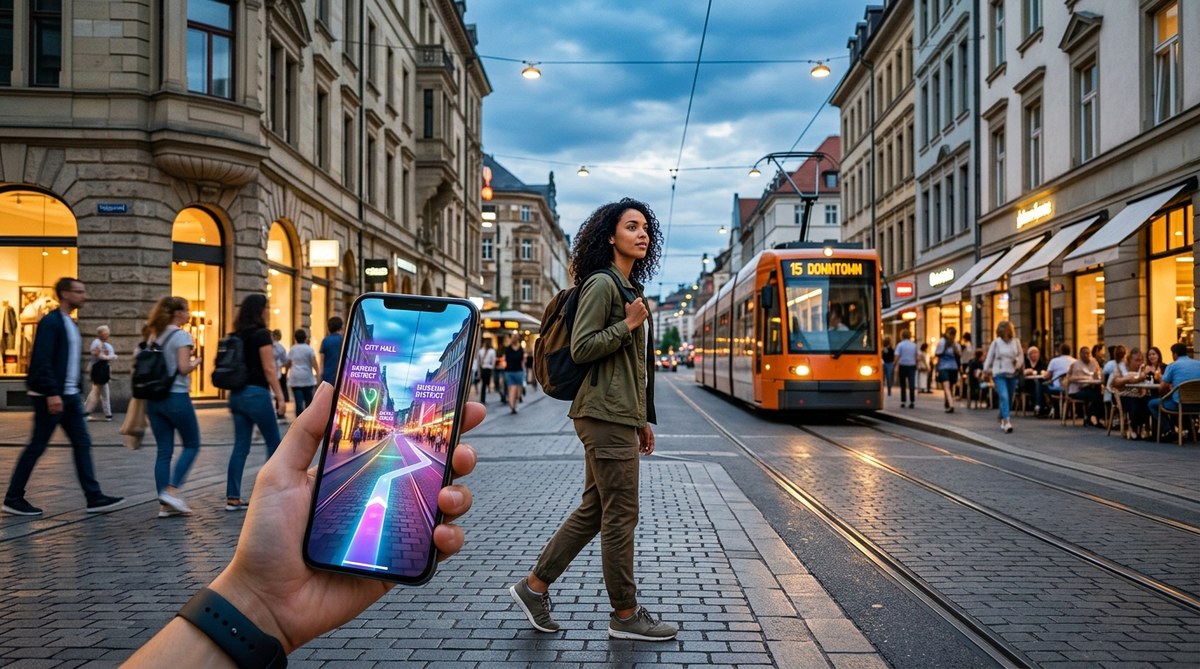
Navigating a bustling city can feel overwhelming, especially with so many digital tools at your fingertips. Whether you’re an urban explorer, a tech-savvy traveler, or simply someone eager to get around more efficiently, harnessing the right digital city navigation strategies makes all the difference. Instead of wandering aimlessly or relying solely on traditional maps, you can leverage technology to move confidently, discover hidden gems, and make your city adventures smoother than ever.
Using digital city navigation strategies involves combining modern apps, planning techniques, and situational awareness. These methods help you move efficiently and discover more about your surroundings, making urban exploration more enjoyable and less stressful.
Understanding the core of digital city navigation strategies
Digital city navigation strategies are about more than just following a GPS line on your phone. They encompass a mix of technology, planning, and awareness to help you find your way in any urban setting. By integrating digital tools with traditional knowledge, you can adapt to different environments, avoid common pitfalls, and enjoy your journeys more fully.
Key tools and techniques for digital city navigation
1. Use reliable navigation apps
Smartphone apps like Google Maps, Apple Maps, and Citymapper are staples for urban navigation. They provide real-time directions, transit updates, and alternate routes. However, it’s wise to have backup options in case of poor signal or app glitches. Offline maps or downloadable city guides can be lifesavers when connectivity drops. Apps like Maps.me or OsmAnd allow you to download detailed maps for offline use, ensuring you’re never lost even when the internet isn’t available.
2. Master digital orientation methods
Beyond following directions, understanding how to orient yourself digitally is vital. Use compass features integrated into many navigation apps or dedicated compass apps. Learn to identify landmarks on your screen, such as notable buildings or street layouts, to confirm your position. Combining digital cues with your environment boosts confidence and reduces reliance on any single method.
3. Plan your route in advance
Before heading out, study the city map and set waypoints for your destinations. Use online tools or city guides to identify the best paths, transit options, and interesting stops along the way. Planning helps you avoid getting sidetracked or overwhelmed by unfamiliar streets. It also allows you to anticipate transit schedules and avoid long waits.
4. Stay aware of digital and physical cues
While digital tools are powerful, situational awareness remains key. Pay attention to local signage, street names, and natural landmarks. Cross-reference these with your digital map to confirm you’re on track. For example, if your app indicates you’re near a park, look for that park’s distinctive features in real life. This blend of digital and physical cues enhances accuracy and safety.
5. Use augmented reality (AR) features
Some navigation apps now include AR capabilities, overlaying directions onto your camera view. This makes it easier to identify the right street or building, especially in complex intersections or crowded areas. Using AR can shorten your learning curve and help you recognize landmarks more intuitively.
Common mistakes to avoid in digital city navigation
| Mistake | How to avoid it |
|---|---|
| Relying solely on a single app | Always have a backup plan, like offline maps or printed directions. |
| Ignoring environmental cues | Cross-reference digital directions with real-world landmarks. |
| Not updating apps or maps | Keep your navigation tools updated for the latest features and data. |
| Overlooking transit schedules | Check real-time transit updates to avoid delays or missed connections. |
| Navigating in unfamiliar areas without planning | Study the route beforehand, especially in new or complex neighborhoods. |
Expert tip: “Combining digital tools with good observational skills creates a resilient navigation system. Always verify your digital position with physical surroundings to prevent getting off course.” — Urban exploration specialist
Practical steps to improve your digital navigation skills
- Download multiple navigation apps suited to your needs. Try apps with offline capabilities to stay prepared.
- Familiarize yourself with local transit systems using digital schedules and maps. Knowing how buses, trains, or bike shares work boosts confidence.
- Practice route planning before your outings. Use online maps to identify landmarks and safe routes.
- Learn to recognize landmarks digitally and physically. Use street view features to explore areas virtually.
- Develop situational awareness by paying attention to your environment. Notice street signs, building styles, and natural features.
- Experiment with augmented reality navigation if available. It can make complex intersections easier to understand.
- Review your journey afterward. Reflect on what worked well and where you faced challenges to improve future navigation.
Techniques and pitfalls in digital navigation
| Technique | Mistake | Solution |
|---|---|---|
| Using offline maps | Forgetting to update maps | Regularly refresh downloads and check for updates |
| Cross-referencing digital and physical cues | Ignoring landmarks | Always verify digital directions with visible landmarks |
| Planning routes in advance | Overplanning | Allow flexibility for unexpected detours or changes |
| Relying on real-time transit updates | Ignoring app notifications | Stay alert for alerts and service changes |
| Practicing in familiar areas first | Assuming all environments are easy | Test your skills in less crowded zones before tackling complex areas |
How to develop a confident digital navigation routine
“Consistent practice and combining digital tools with environmental awareness will make city navigation second nature.” — Digital exploration coach
Start small by practicing in familiar neighborhoods. Use your preferred apps to plan routes, then physically follow them. Notice how your digital cues align with real-world features. Over time, you’ll learn to adapt quickly when technology fails or conditions change. Remember, the most reliable navigators trust both their devices and their senses.
Building your urban exploration toolkit
- Offline maps or downloaded guides
- Compass and physical map as backup
- Transit apps with real-time updates
- AR navigation options
- A notebook for jotting landmarks or route notes
Having these tools ready before heading out can save time and reduce frustration. Make sure your devices are charged and configurations are set for offline use if needed.
Staying safe and confident while navigating digitally
In unfamiliar environments, safety comes first. Always be aware of your surroundings and avoid risky areas. Use digital tools to plan safe routes and stay connected with friends if possible. Share your location periodically, especially in less crowded or late-hour settings. Combining technology with good judgment keeps your city explorations secure and enjoyable.
A modern approach to city wandering
Digital navigation strategies empower you to see cities through a new lens. Instead of feeling lost or overwhelmed, you gain confidence in your ability to find your way, uncover hidden corners, and enjoy spontaneous adventures. By embracing these techniques, you turn urban exploration into a rewarding experience filled with discovery and learning.
Embrace your city with digital confidence
Applying these strategies means you can wander with purpose and curiosity. Keep practicing, stay curious, and let technology be your ally in uncovering the stories your city has to tell. Your next adventure is just a few clicks away, ready for you to explore with confidence and joy.